Drop a stack of scans on the list
Each file becomes a note with the scan attached, filed in the notebook you are looking at. Drop thirty at once and they land in order. With the app installed, a scanner can send straight to it.

 UnbentSign in
Scan it, drop it on the list, and let one press name and file it.
Each file becomes a note with the scan attached, filed in the notebook you are looking at. Drop thirty at once and they land in order. With the app installed, a scanner can send straight to it.
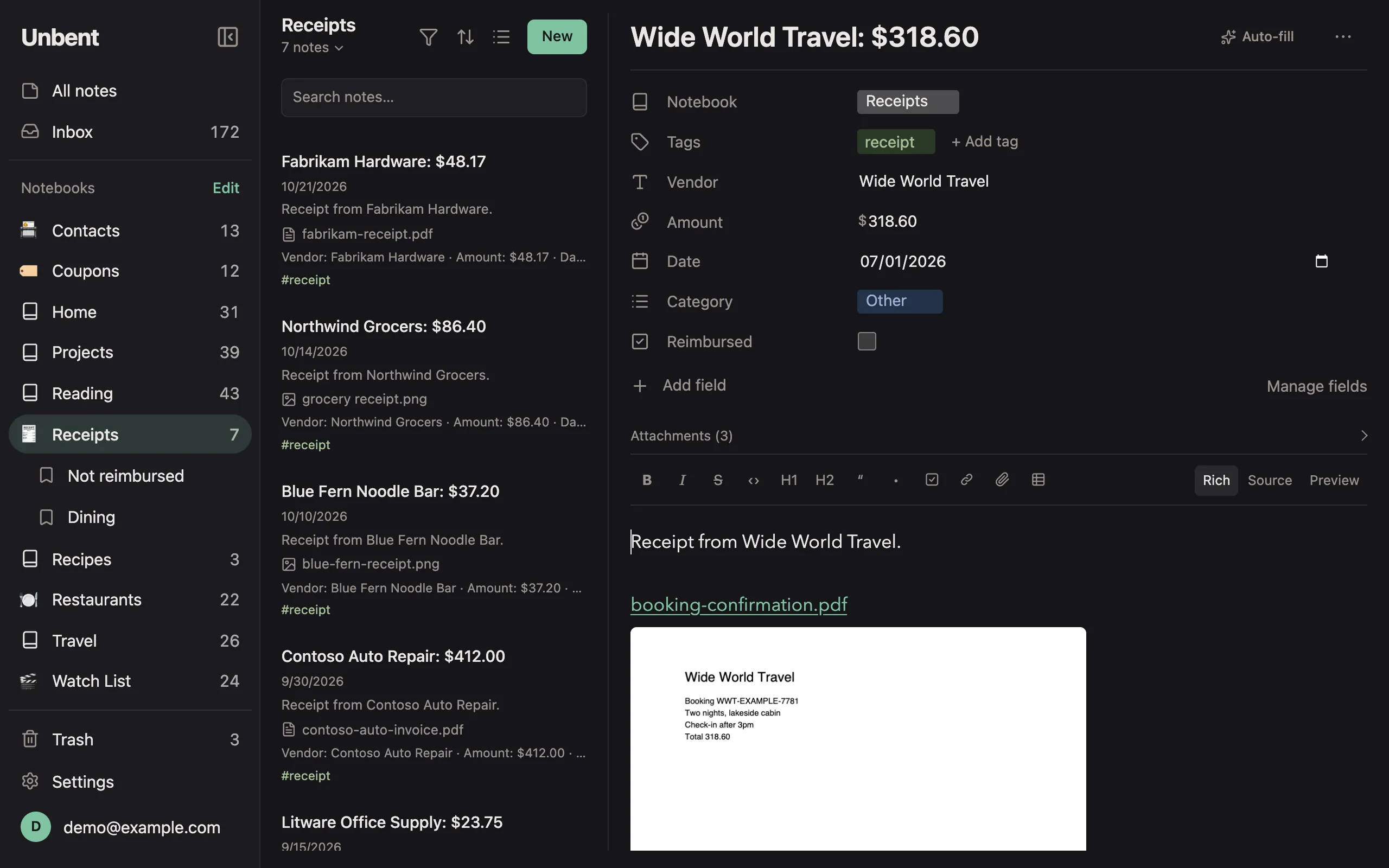
Auto-fill reads the receipt and writes its title, a tag and the fields: who it was from, the amount, the date, the category. You check it instead of typing it, and Undo is one press. It runs only when you press it, and never on its own.

An Evernote .enex, a Notion export or a Joplin .jex keeps notebooks, tags, dates and attachments, and the text already inside every scan. An interrupted import is safe to run again: nothing duplicates.

Search reads what the paper says, not only the title you gave it.
The word typed here is printed on a photo of a receipt and nowhere else in the library, and search finds the note by it. Every PDF's text is searched, and a picture or a scan with no text in it is read.

Narrow a notebook by a field, a tag or a range of dates, sort it, see it as a table, and keep that as a view beside the notebook. Not reimbursed, Unused coupons, Up next: one click each, with a total under the amounts.

Select a handful, or a whole list, and move, tag, export or delete them together.

Give a notebook fields and it becomes a list you can sort, filter and add up.
A receipt's notebook has a vendor, an amount, a date, a category and a checkbox. Dates, money, ratings, choices, links, addresses: each kind is drawn as what it is, and edited in place.
The same notebook as a spreadsheet: a column per field, sortable, with totals under the numbers. Pick the columns, and edit a cell without opening the note.

Name a notebook's purpose and its fields in its settings. Auto-fill reads the purpose when it decides where a note belongs, and the options of a choice are yours to spell.

List, cards or table, remembered per notebook: recipes as cards, receipts as a table, everything else as a list.

Plain files, every version kept, on every device, and the way out always open.
A note keeps what an edit replaced, whether you made it or an assistant did, with the changes marked. Any version can be put back, and putting it back is kept too.

Your library lives on each device as well as on the server. The app opens on a plane, what you write waits its turn, and whole notebooks can be kept offline, files and all.

One folder per note, with its files beside it, as plain text you can open with nothing installed, or import back into any Unbent. Nothing is held hostage.

Connect the assistant you already use, and disconnect it the moment you like.
Unbent is an MCP server. Point an assistant at it and it can search, read your scans, write notes, file a batch into a notebook and fill in fields across a hundred receipts, under the same rules the app has. It cannot delete anything for good, every edit it makes is in the note's history, and disconnecting it ends its access that second.

The same app at phone width, and Android and iOS apps on the way.


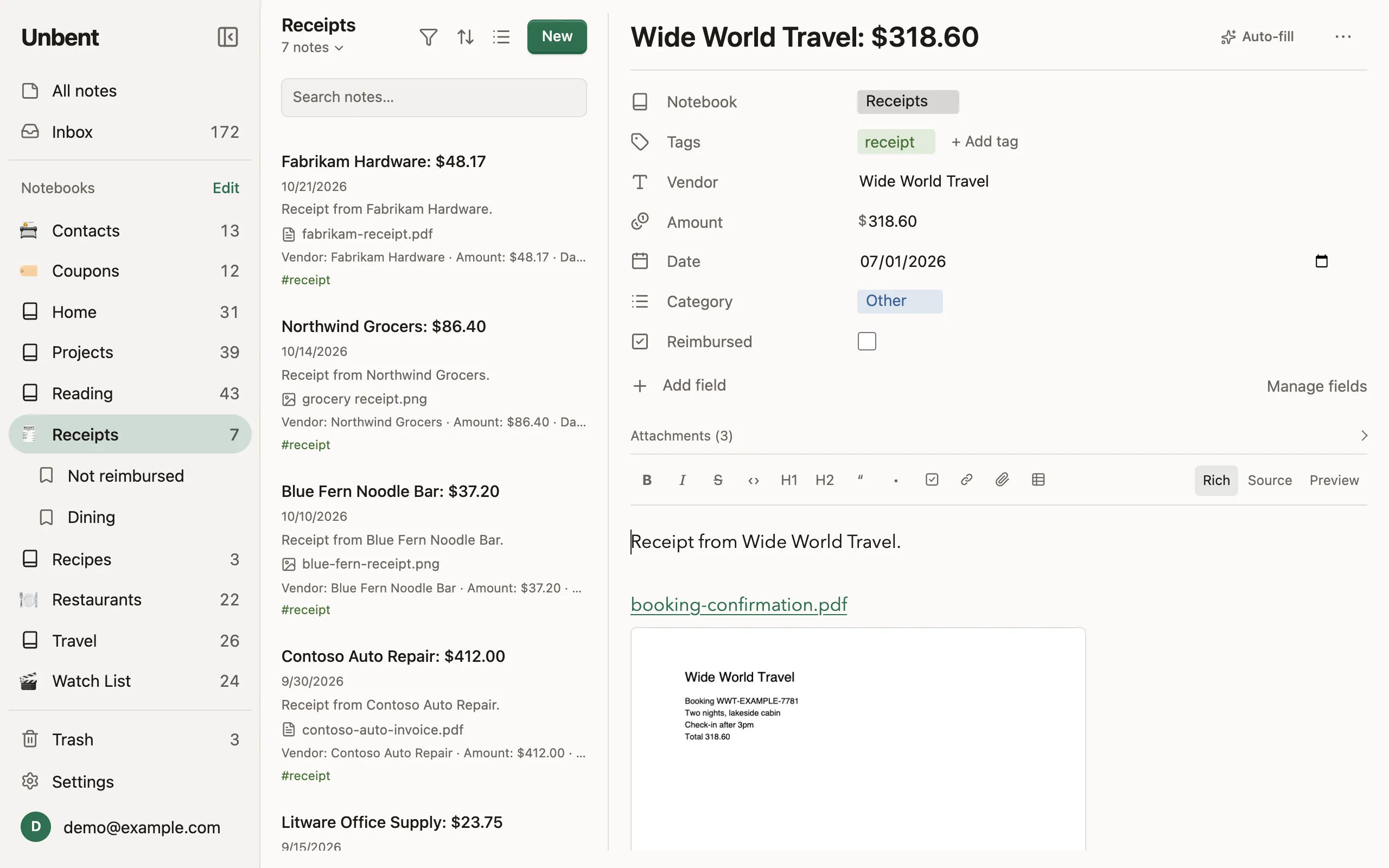
Both themes follow your device. Every other picture on this page already did.
14 days free, no card needed.